 UniKiosk
Start here
The admin console
A tour of the browser console the device serves on port 8080 — screens, layouts, media and settings.
Every panel serves its own admin console. There is no portal, no tenant, no seat: the thing you manage the screen with is running on the screen.
Reaching it
http://<device-ip>:8080 from any browser on the same network. Panels announce themselves over SSDP, so many networks will surface the device without you needing the address.
The console has its own username and password, separate from the on-device admin PIN. One protects the browser interface; the other protects physical access to the device.
Screens
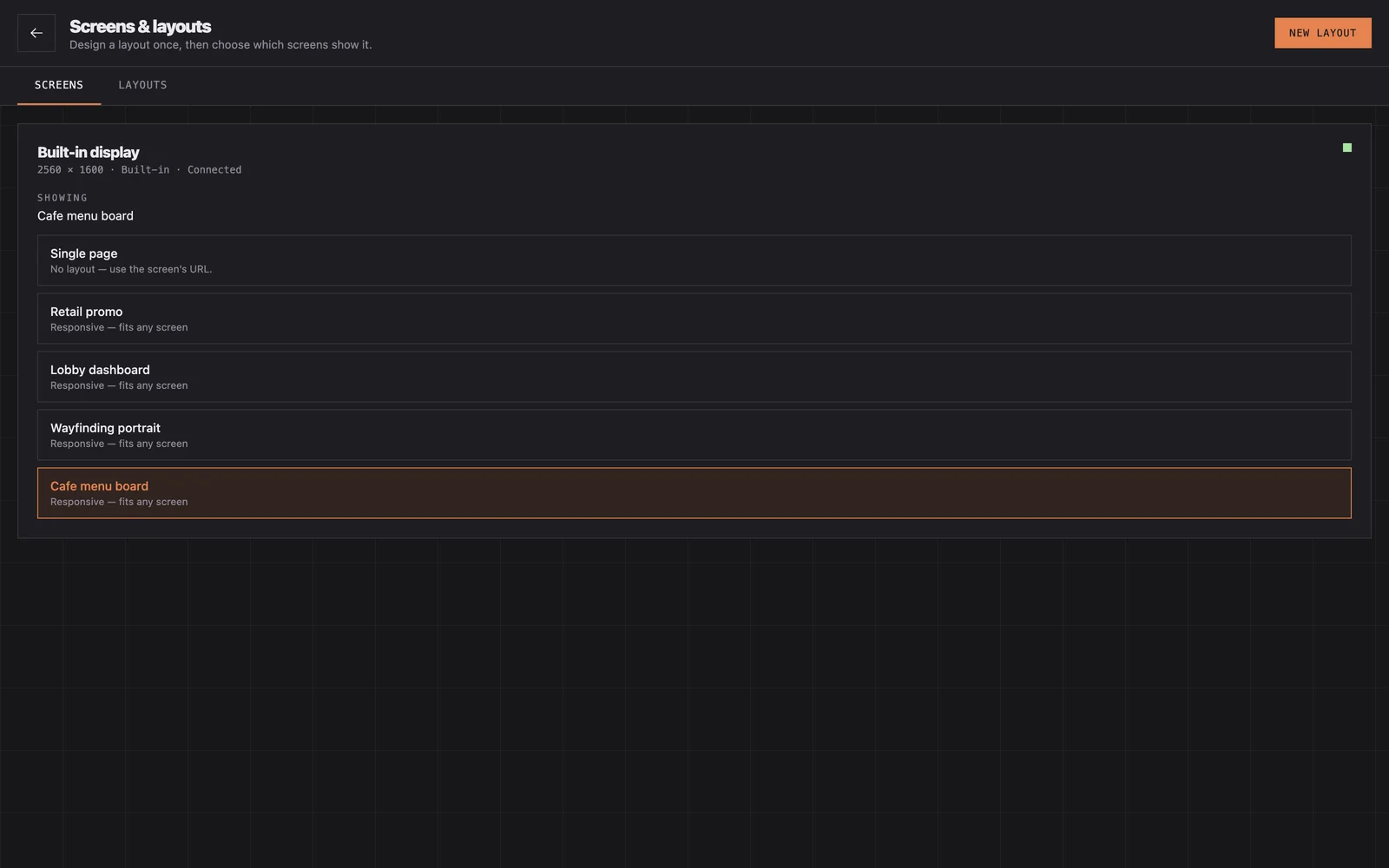
Where each screen is registered: name, orientation, resolution, and the layout currently assigned. Assigning a different layout swaps the board without restarting the app — which is why you can edit a board people are standing in front of.
Layouts
The list of boards, each with a published version and, if you are working on it, a draft. From here you import, export, duplicate, publish and revert.
Layouts are portable JSON. Build one board well, export it, and import it on every other panel — that is the fleet workflow until fleet management ships.
Media
Uploads live here: images, video and typefaces. You can also point the panel at a network folder and let it sync, which is the better answer when somebody else maintains the pictures.
Uploading a typeface makes it available to every widget on that panel. See right-to-left and custom typefaces.
Settings
Four groups, covered in running screens:
- General — device name, language, what happens on boot.
- Display — orientation, brightness, screen timeout.
- Content — media source, cache size, refresh intervals.
- System — reboot schedule, logging, diagnostics.
Security
The console speaks plain HTTP on the local network. That is a deliberate trade for zero configuration, and it means the network is your security boundary. Put signage panels on their own VLAN, do not expose port 8080 to the internet, and change the console password from its default. There is more in hardening a public kiosk.