 UniKiosk
A signage player
Grid layouts built from 26 widgets: media, clocks, feeds, calendars and live data.
Android signage & kiosk lockdown
UniKiosk turns an Android tablet, stick or TV box into a digital sign that runs on its own, and you can manage it directly via a web admin panel. Free at any number of screens, with nothing to subscribe to.
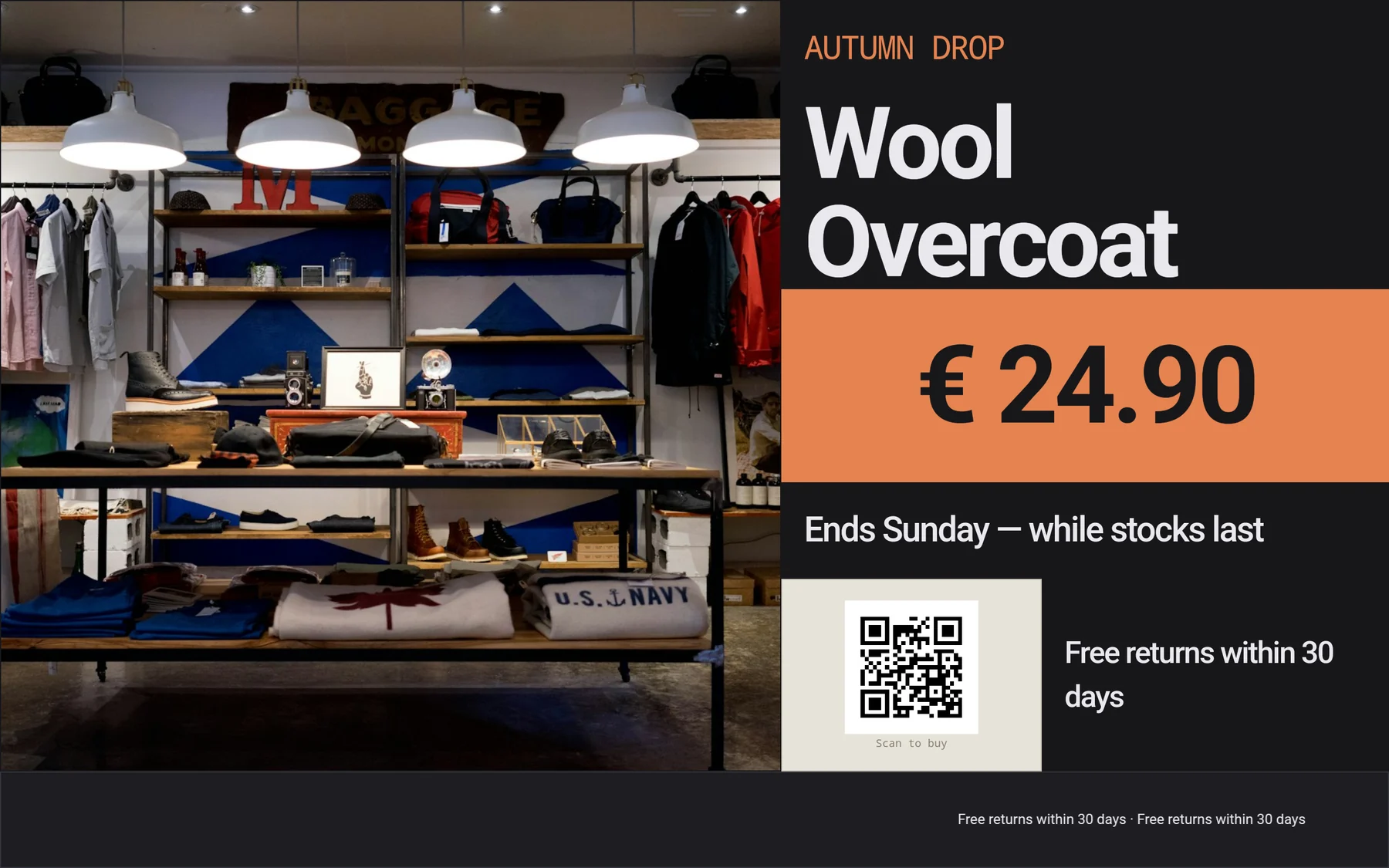
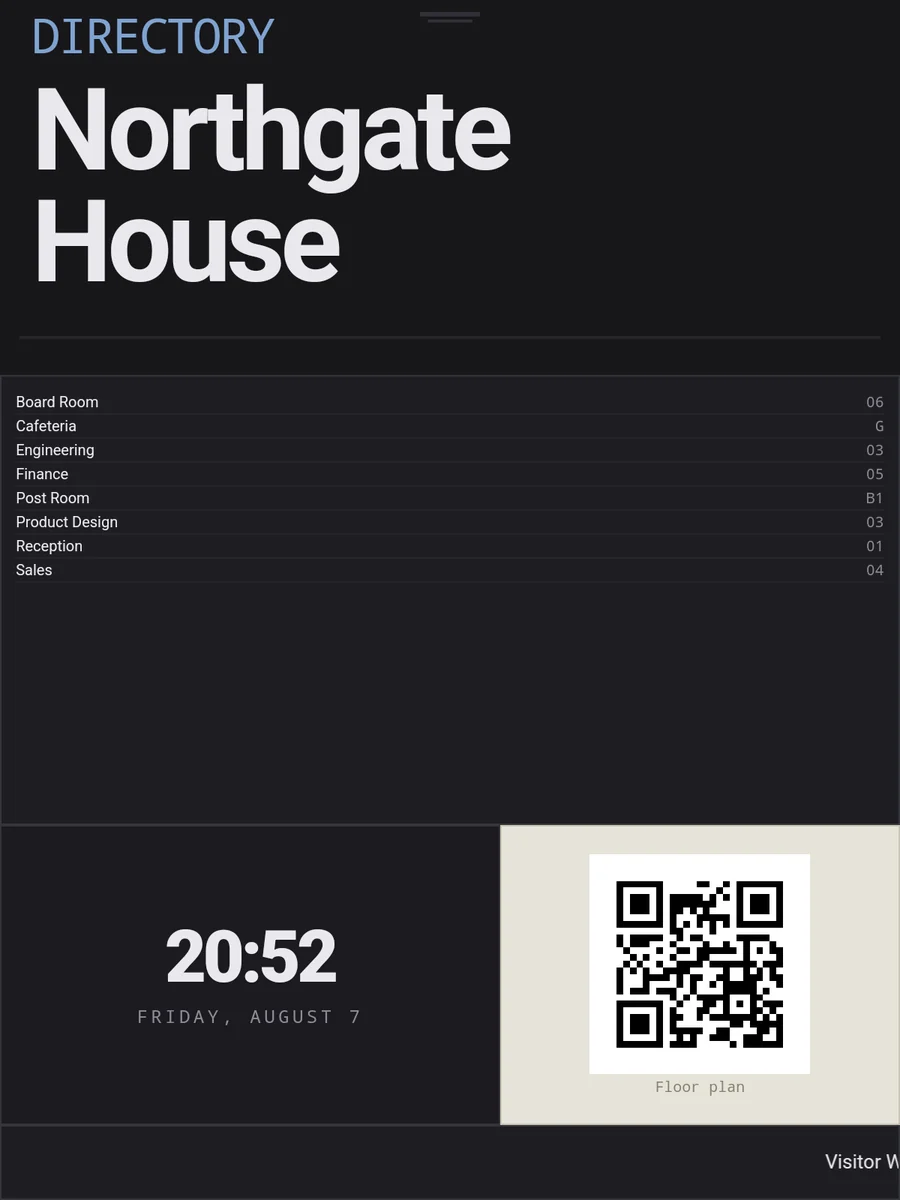
Every competitor sells these separately, and most sell only the first.
Grid layouts built from 26 widgets: media, clocks, feeds, calendars and live data.
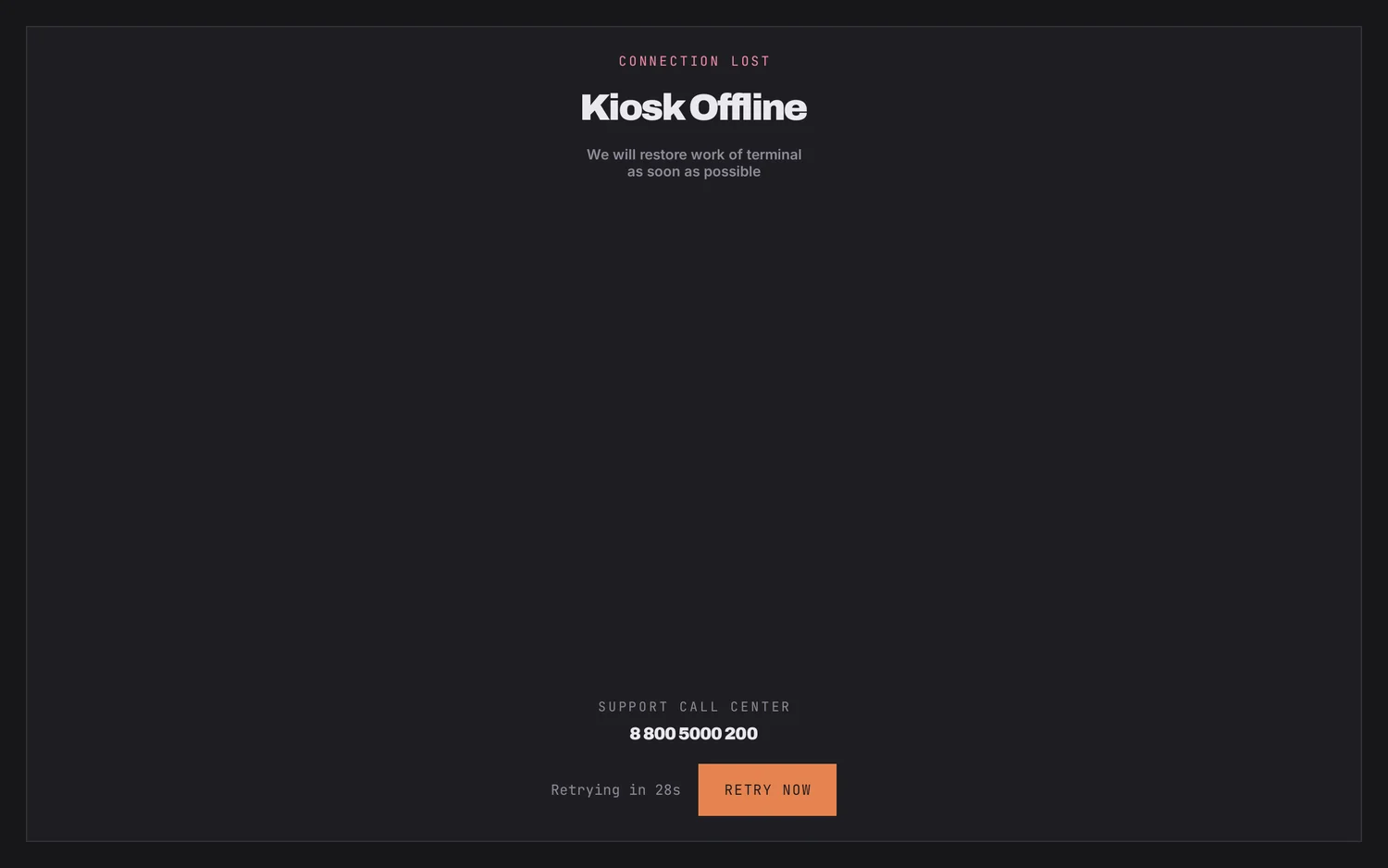
Bars hidden, keys swallowed, PIN to leave. Survives a reboot and a power cut.
Manage it directly from any browser on the network, on port 8080. Nothing else to install.
No portal, no tenant, no seat to buy. Open a browser on the same network and point it at the device — or let it announce itself over SSDP and click the one that appears.
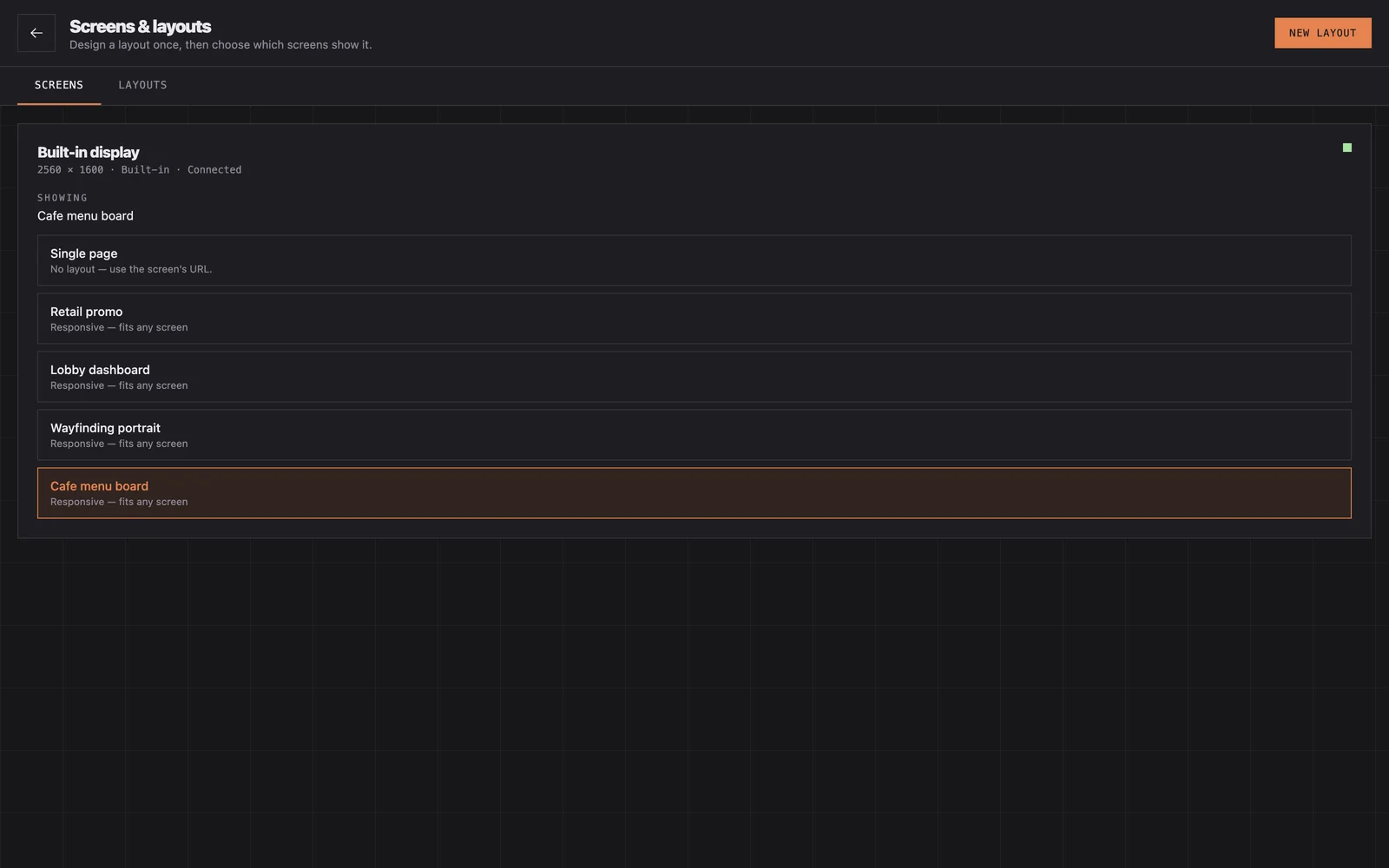
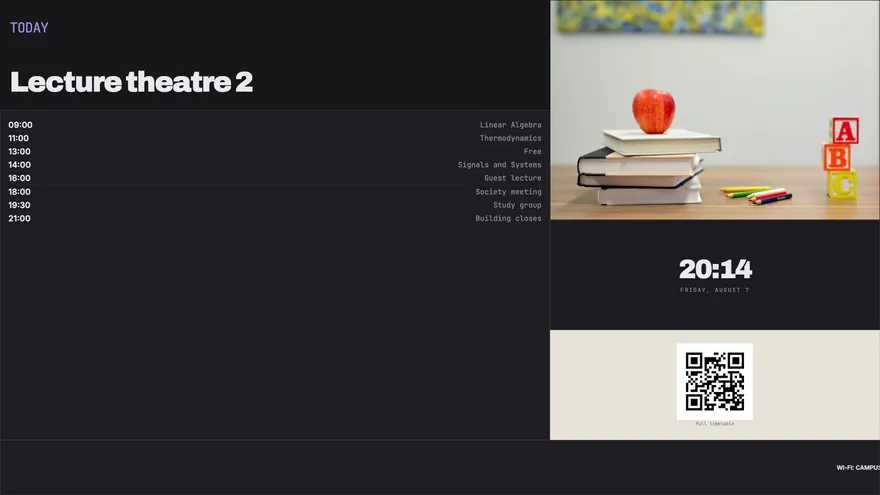
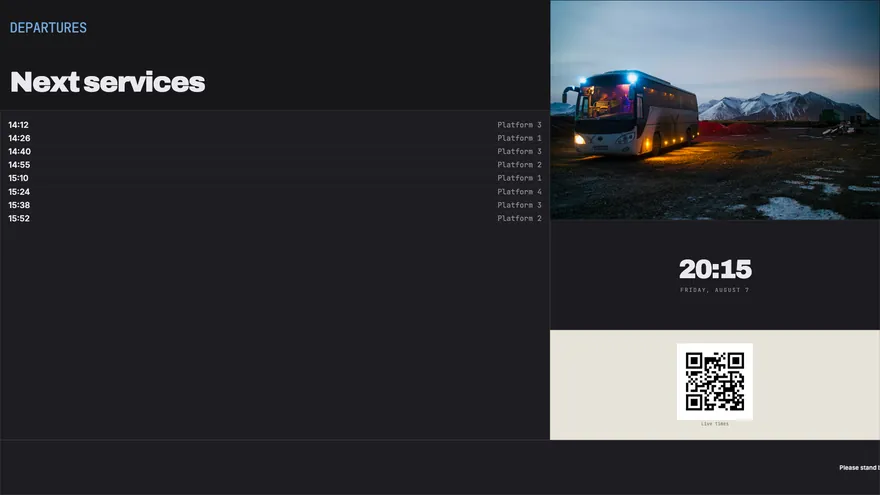
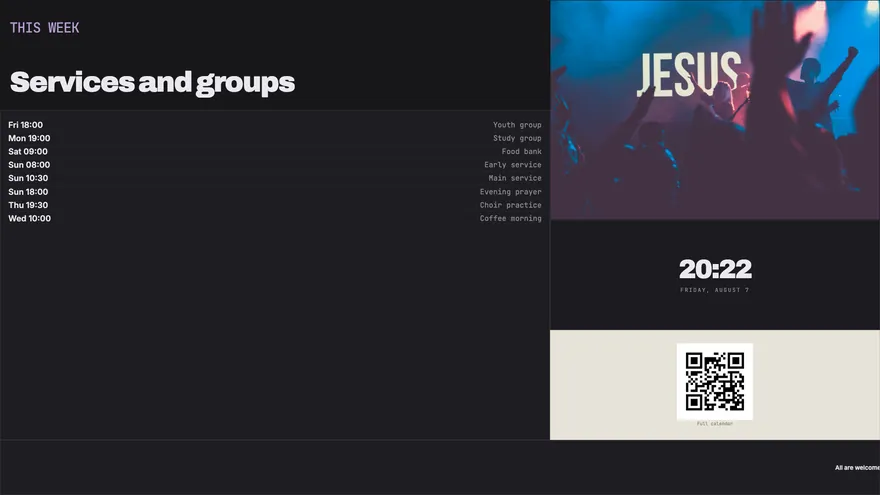
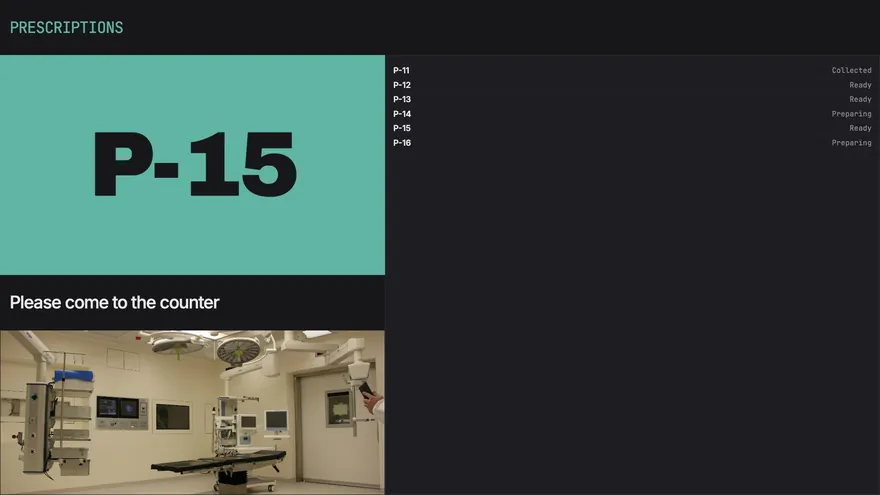
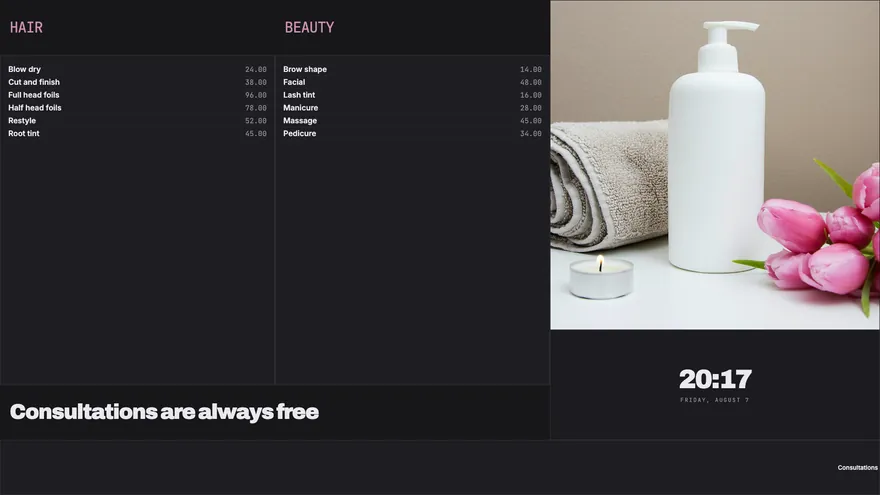
Drag widgets onto a proportional grid. Layouts are stored in cells rather than pixels, so one design fits a wall screen and a portrait totem without being rebuilt.
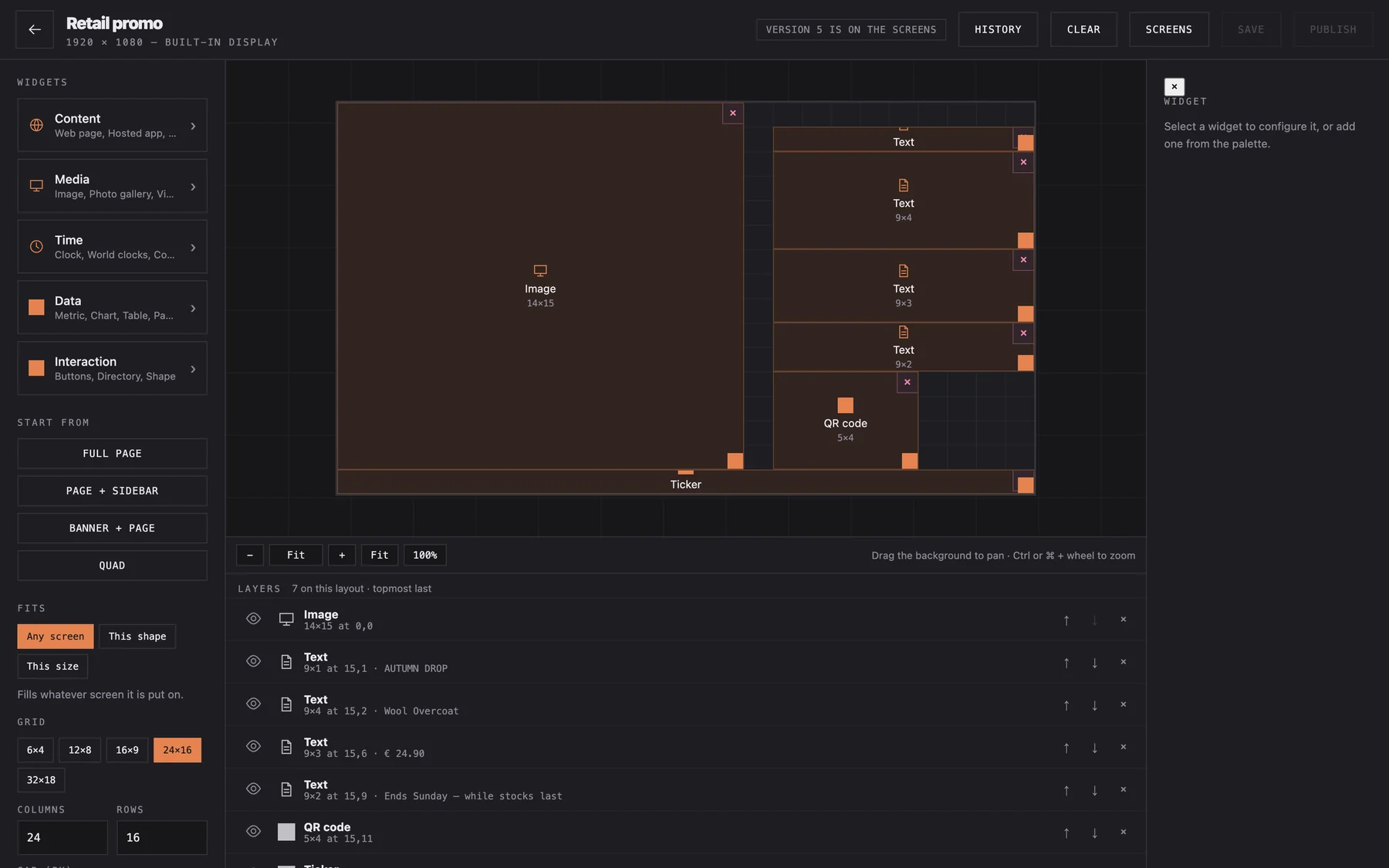
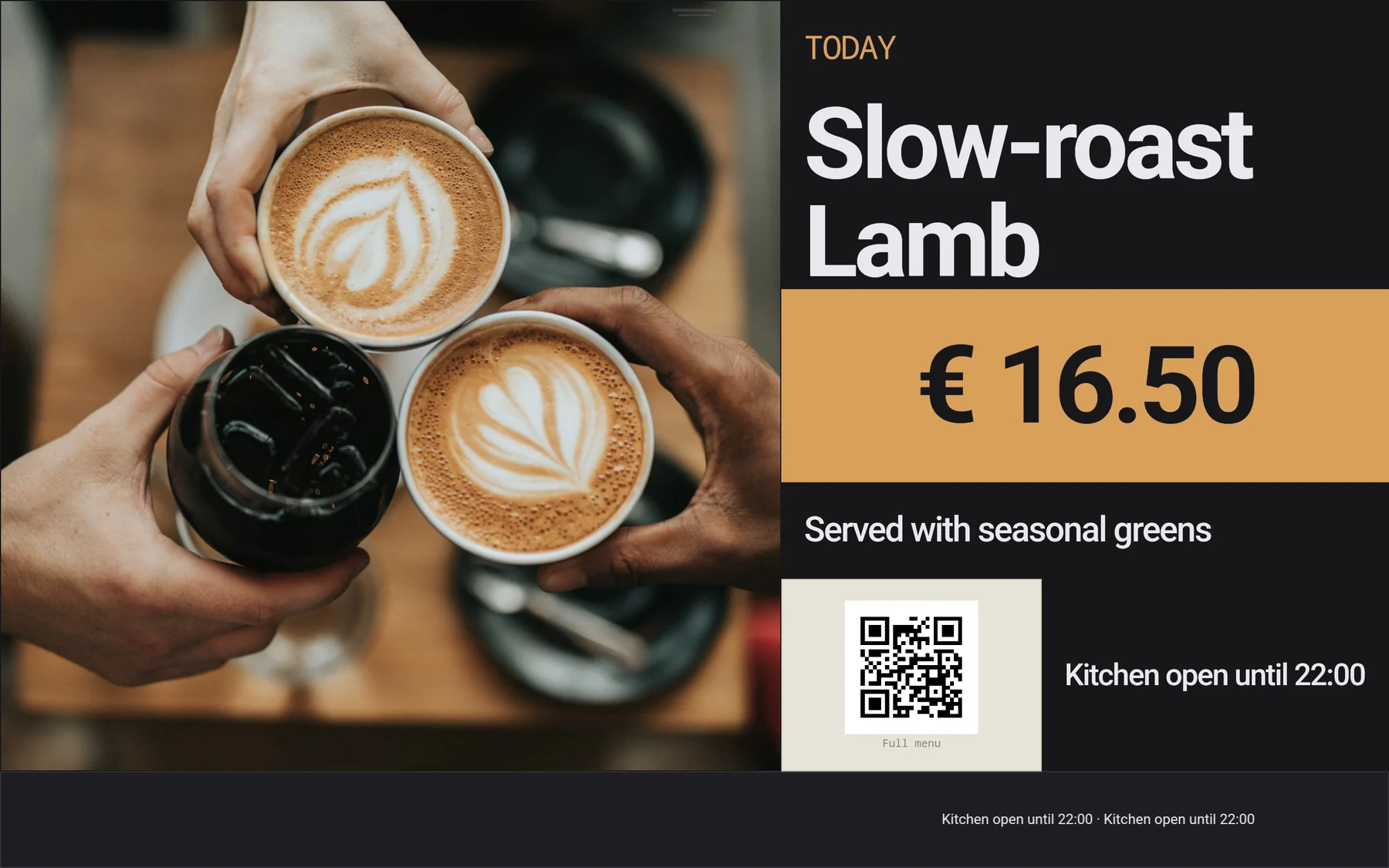
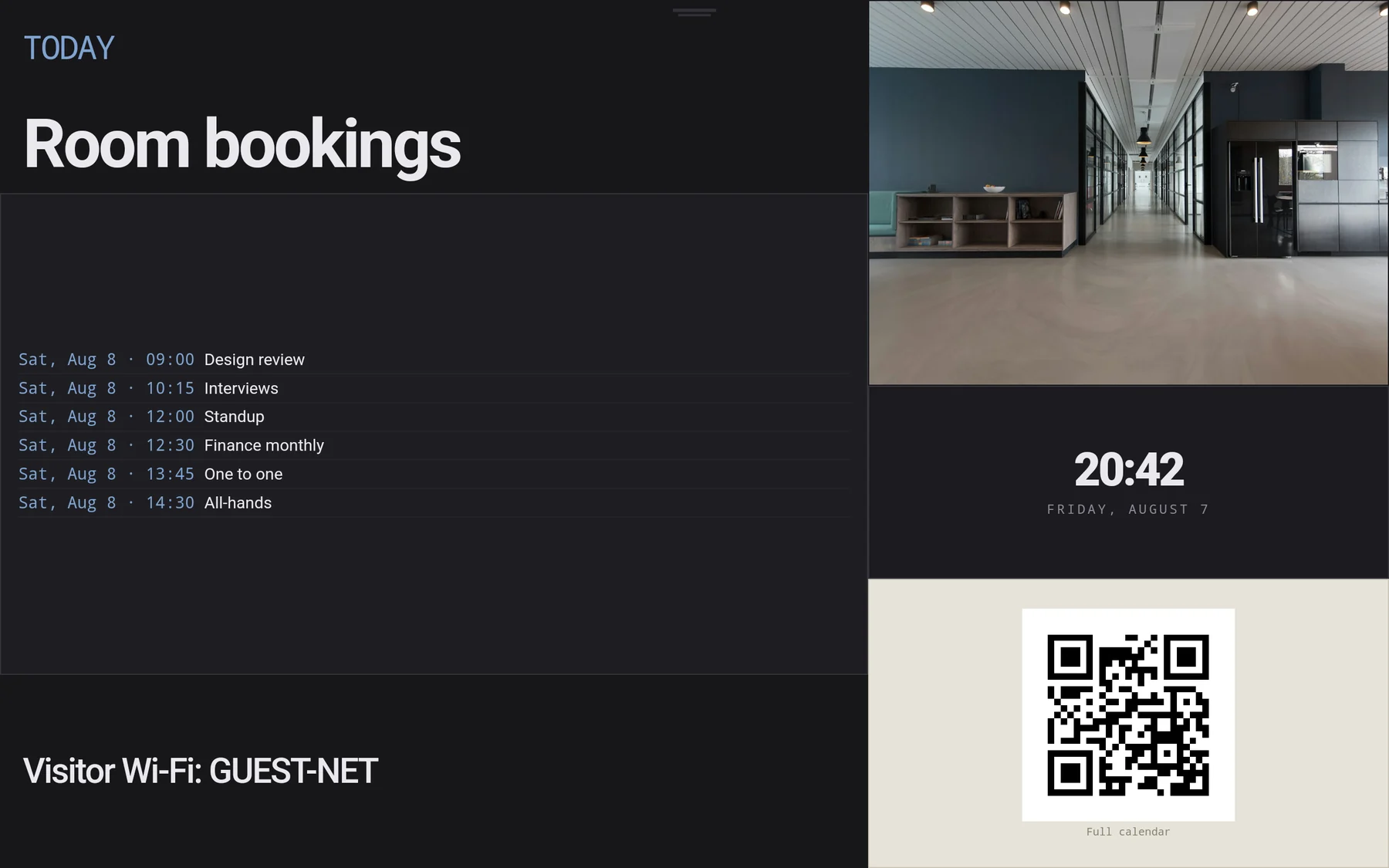
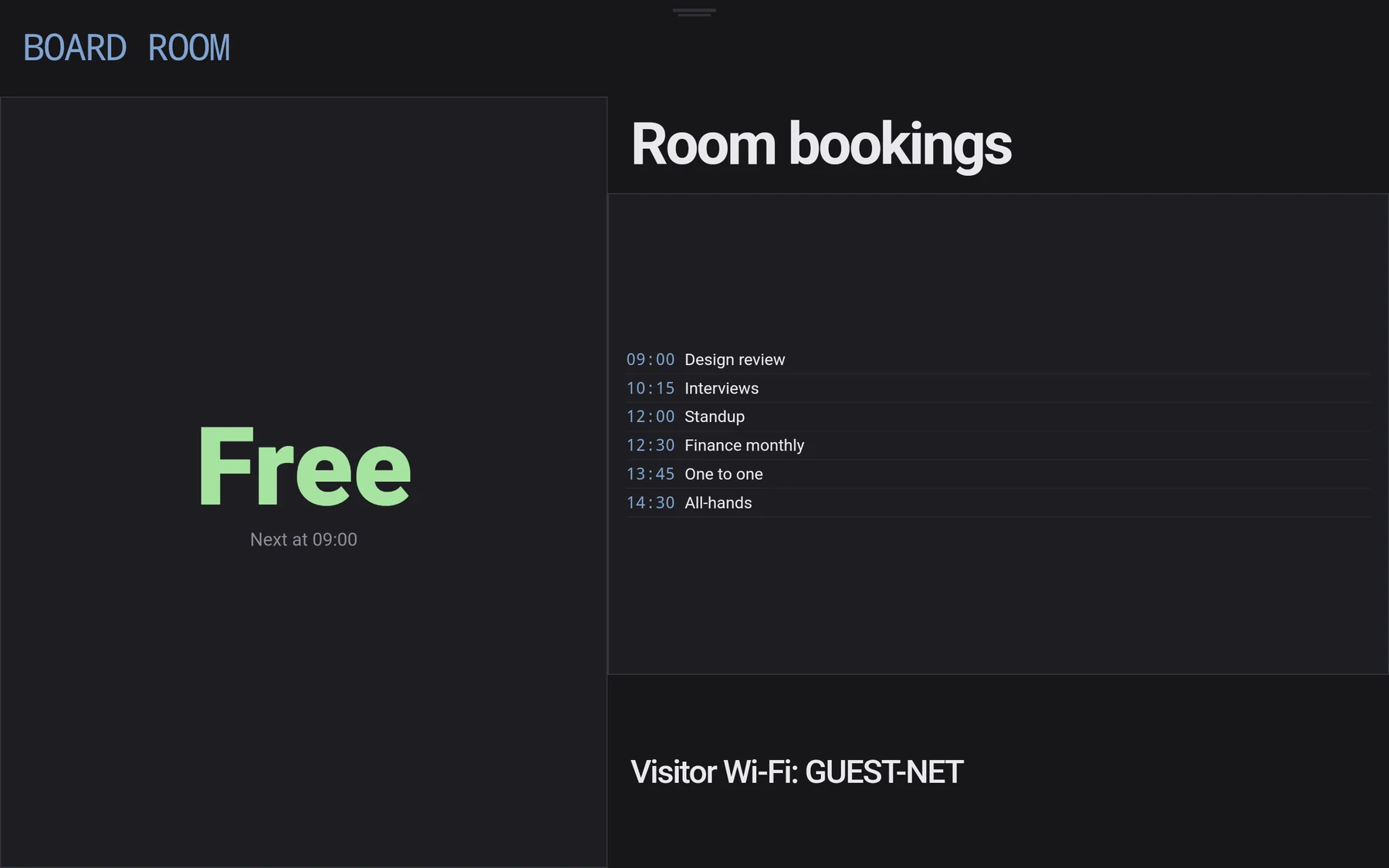
The grid is proportional, so the same board is composed for whatever it lands on — and the fitting is usually decided by the building, not by you.

Cloud signage sells you convenience and hands you a dependency. When the uplink drops, the vendor has an outage, or the card expires, the wall goes dark.
UniKiosk keeps the content, the schedule and the console on the panel. The internet is something your widgets use, not something the product needs to stay alive.
A layout is a plain JSON file. Download one, import it in the console, change the words. Build a board once and it moves to every other panel as a file, not as a migration.
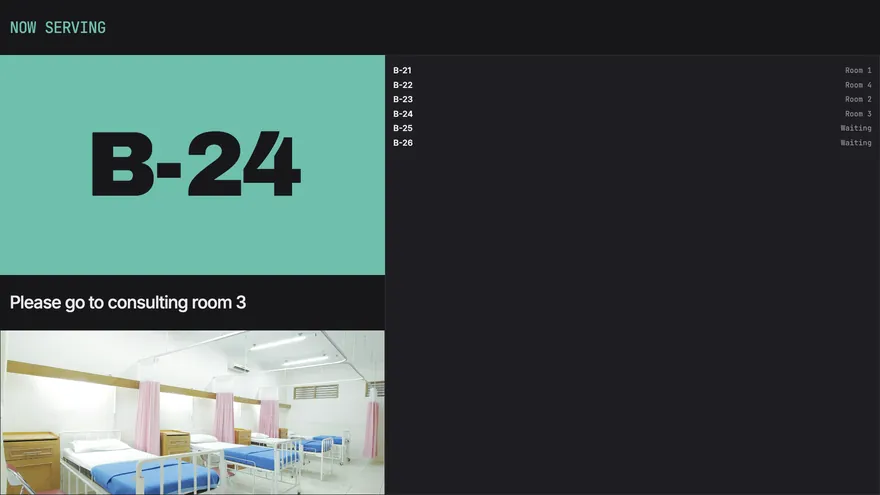
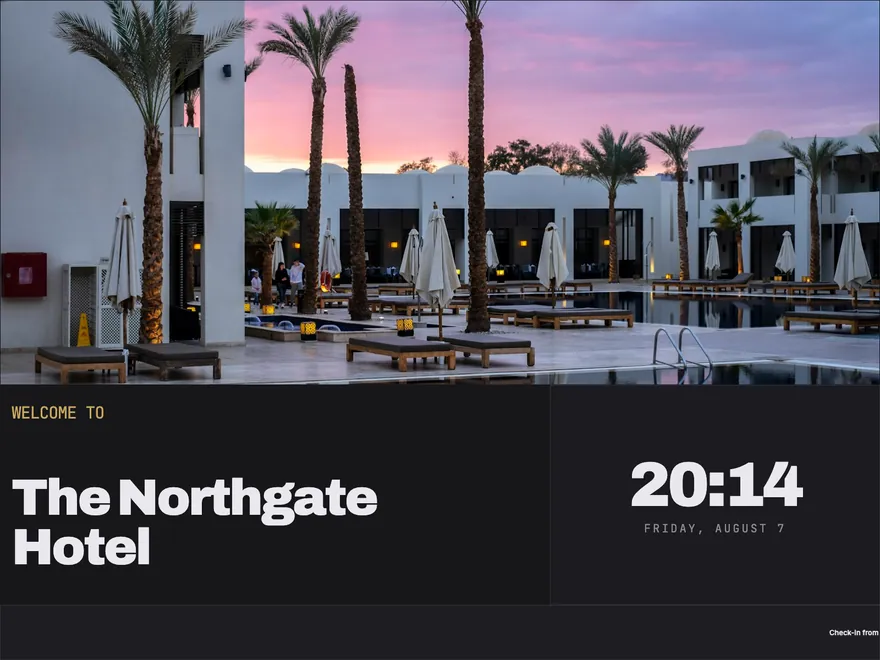
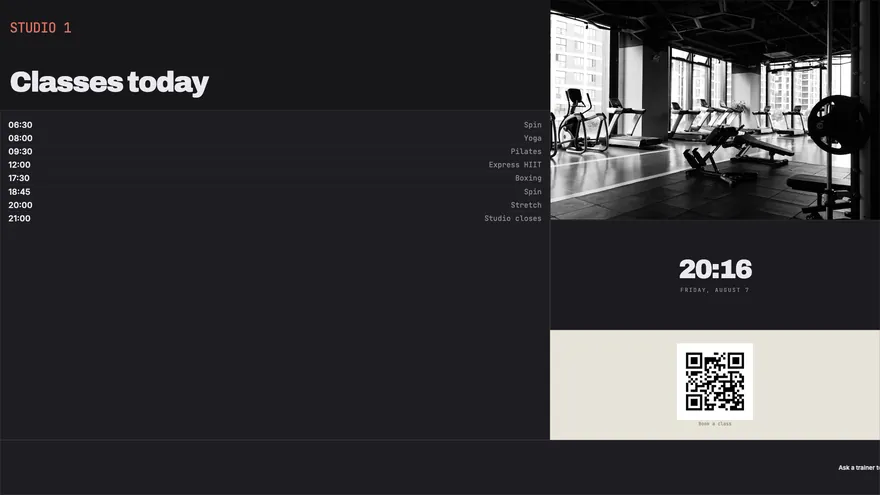
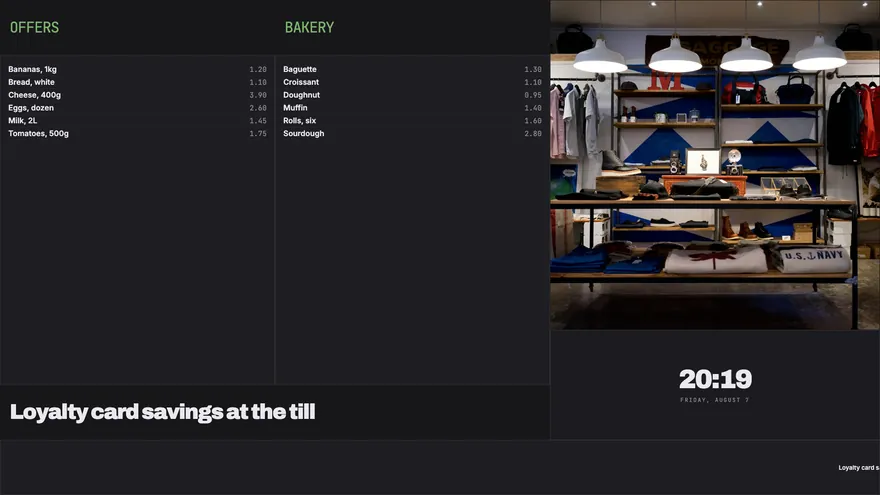
Ten screens, one year, at published list prices.
The no-cloud way
The subscription way
44 industries, each with boards already written for it.
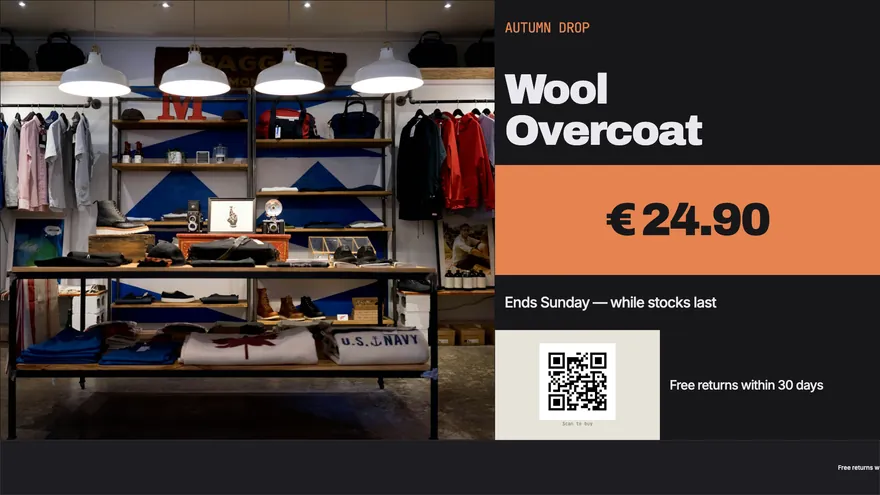
Offers, prices and scan-to-buy codes for the shop floor.
12 boards
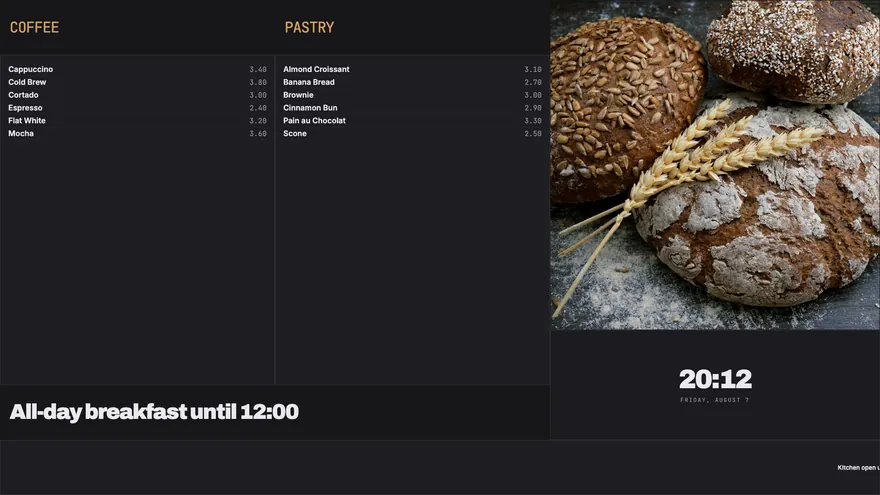
Menu boards, specials and opening hours that update in seconds.
12 boards
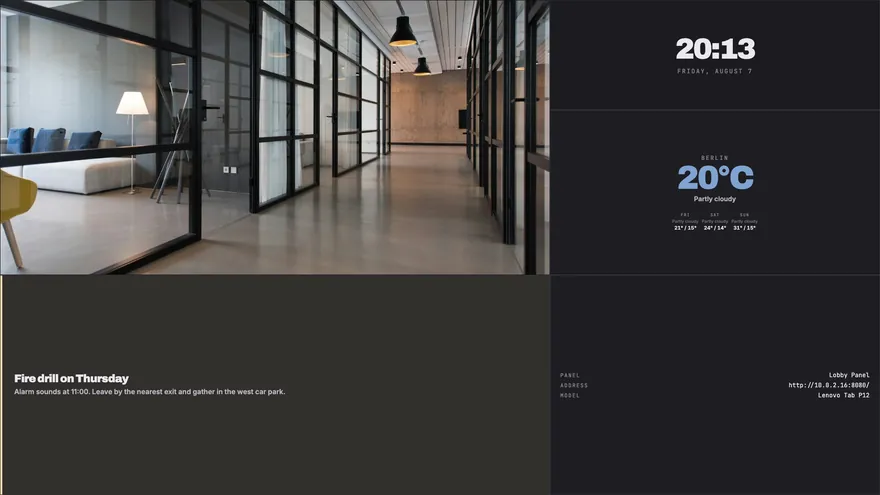
Notices, meeting rooms and team dashboards for the workplace.
14 boards
Waiting rooms, queue calling and department wayfinding.
13 boards
Timetables, campus notices and exam information.
13 boards
Guest welcome, event boards and concierge information.
15 boards
Departure boards, platform information and service notices.
12 boards
Class timetables, studio boards and membership offers.
11 boards
Sideload it onto any Android 9+ device. No account, no licence key, no enrolment.
Open the panel's own console in a browser and import one of the 451 templates.
Attach it to the screen, then hide the bars and set the PIN. Walk away.
Compare it against your current bill for a week. There is nothing to cancel.