 UniKiosk
Android TV stick
The cheapest route. Behind any HDMI screen, around the price of two months of a competitor's subscription.
Download
31.2 MB, sideloaded onto any Android 9 device. There is nothing to register, nothing to activate and nothing to cancel.
Running rc1? Uninstall it first. rc1 was unsigned and this build is signed, and Android will not replace an app with one carrying a different signature — the install fails with INSTALL_FAILED_UPDATE_INCOMPATIBLE. Removing rc1 clears its layouts and media with it, so export anything you want to keep from its console before you do. Every release after this one updates over the top normally.
| File | unikiosk-v0.0.1rc2-20260810.apk |
|---|---|
| Size | 31.2 MB |
| Requires | Android 9.0 or later |
| Architectures | arm64-v8a, armeabi-v7a, x86_64 |
| Signed | Yes — v1, v2 and v3, key valid to 2056 |
| SHA-256 | cf3cb1520134b481ceeef5be25092a09aa8a1269e844edf34e70d3639ea544b6 |
| Certificate | CN=UniKiosk49:76:19:8A:F7:AD:43:E0:6D:E5:36:91:C4:17:9A:E2:6D:46:F8:E4:C1:60:AA:A1:D7:79:98:80:44:CB:4D:9F |
Also published
For a Play Console or an MDM that generates its own APKs. Android cannot install an .aab directly — if you are putting this on a screen, take the APK above.
unikiosk-v0.0.1rc2-20260810.aab · 12.8 MB
sha256 d4c36109f2713b9259cc0955d42e037dfb85b341cdb5d6ac61f3e9f895d967eb
Install
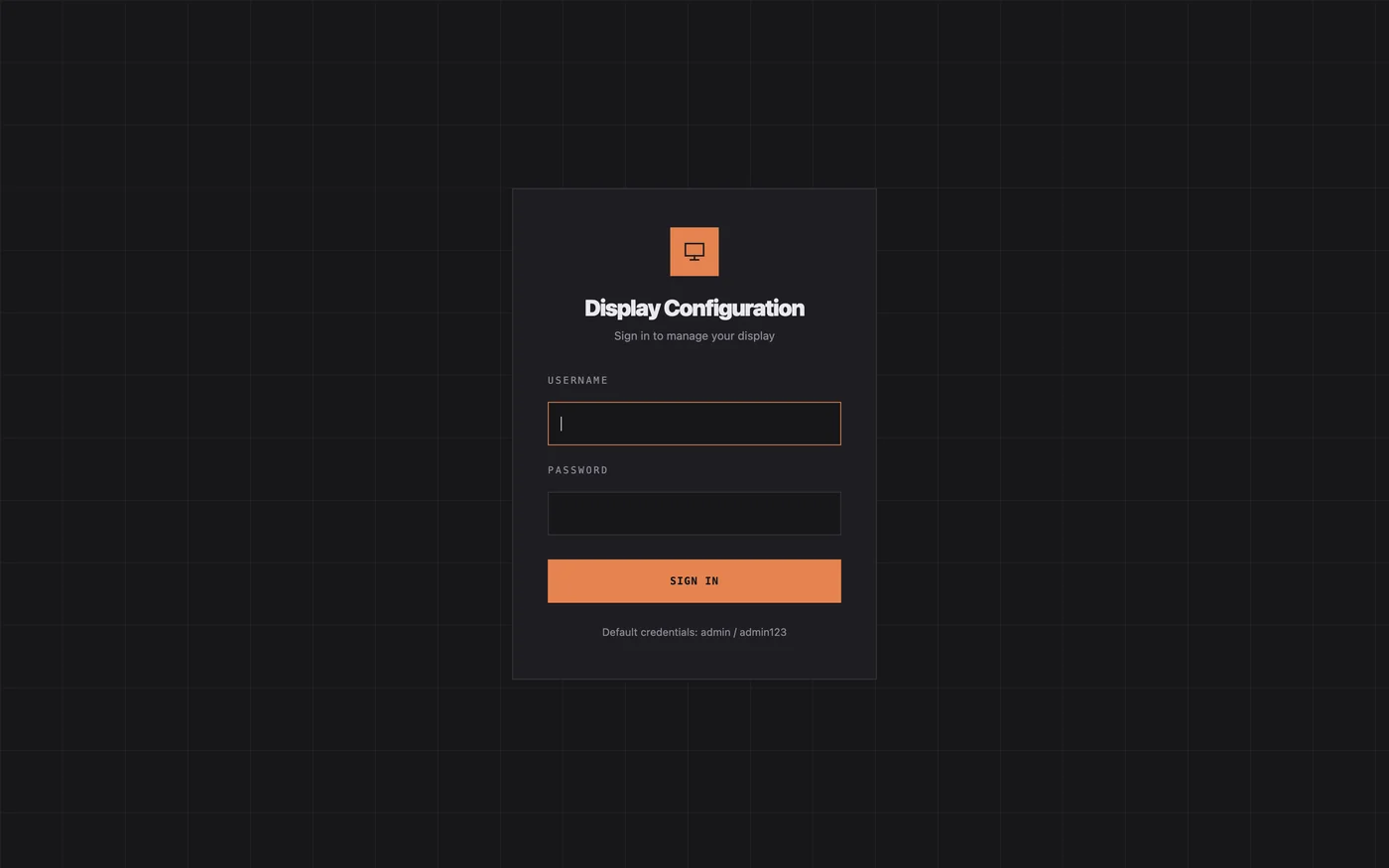
adb install unikiosk-v0.0.1rc2-20260810.apk.http://<device-ip>:8080. The device shows its own address on first run, and announces itself over SSDP so most consoles find it without typing.Verify the download before you install it on anything that matters: shasum -a 256 unikiosk-v0.0.1rc2-20260810.apk should print the hash in the table above.
Hardware
The cheapest route. Behind any HDMI screen, around the price of two months of a competitor's subscription.
If the display already runs Android 9 or later, install the APK straight onto it. No box, no extra cable.
A retired tablet makes a good room-door or counter panel. Keep it on mains power and let it run.
Questions
Android 9 (API 28) and later. Tablets, TV boxes, HDMI sticks and commercial panels all work; the only requirement is that you can enable installation from unknown sources.
Because a signage app that hides the system bars and swallows the home key sits awkwardly with Play policy. The build is signed and the app bundle is published here for anyone who wants to put it through their own Play Console or MDM; a listing of our own is still on the roadmap.
Sideloading is how every Android developer distributes a build before publishing. Check the SHA-256 below against the file you downloaded; if it matches, you have exactly what we published, signed with our own key.
An Android App Bundle is what a Play Console or an MDM ingests to generate device-specific APKs. Android cannot install one directly, so it is not the file you want unless you are uploading it somewhere. Take the APK.
No. rc1 was unsigned and rc2 is signed, and Android refuses to replace an app with one carrying a different signature. Uninstall rc1 first. Every release after this one updates over the top normally, because they all share the same key.
No. The lockdown works without root and without device-owner provisioning, which is why a shop can set it up without an MDM.
Install the newer APK over the top. Your layouts, media and settings live in the app data and are kept. This works from rc2 onwards, because every build from here shares one signing key.
Yes, with adb or your MDM, the same as any other APK. There is no licence key or activation step to script around.
451 of them are already written, and importing one takes about a minute.